
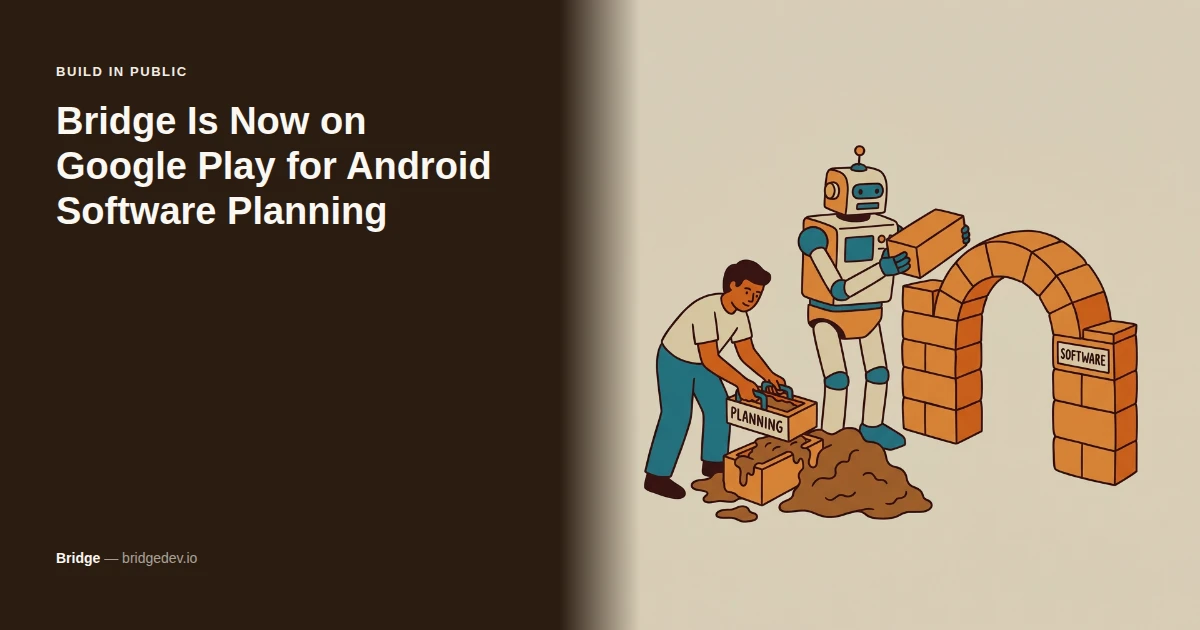
Bridge is live on Google Play as of November 20, 2026. Anyone with an Android phone can install the app to capture software ideas and turn them into structured project specifications.
Why it matters
Ideas captured on walks, trains, or between meetings often die in generic notes apps. Notes pile up unconnected, and very few ever become working software. At the same time, AI coding assistants have changed software economics. Writing code has become cheaper, but knowing exactly what to build and communicating it clearly enough for a tool or assistant to follow is now what determines whether a project succeeds.
Bridge addresses this bottleneck by focusing on the planning phase. Instead of generating code, the system helps you structure requirements and architecture before any code editor opens. Getting the plan right early narrows the decision space and prevents wasted cycles during development.
The details
Bridge acts as a mobile workspace for software planning. When you capture a note, Bridge classifies it and connects it to related thoughts. Over time, related notes collect into themes so you can see how concepts connect without manual filing or tagging.
You can turn any theme into a Build Plan. A Build Plan is a set of markdown specification files that you or an AI coding assistant can build from. Bridge writes the specification, constraints, and scope rather than the code itself.
Bridge offers four tiers:
- Free: Capture and organize notes, with 5 runs a month.
- Discover: $7 a month or $70 a year.
- Build: $12 a month or $120 a year, with unlimited Build Plans.
- Refine: $20 a month or $200 a year.
Every paid plan includes a monthly model allowance, so you do not need an external API key to run it. You can still bring your own Anthropic, OpenAI, or Google Gemini key if you prefer. Through December 1, a launch discount provides 20% off all yearly subscriptions: Discover for $56, Build for $96, and Refine for $160 for the year, kept for as long as you stay subscribed.
How to get it
You can install the app directly on any Android device and begin organizing notes immediately. The free tier lets you capture and organize notes right away, with 5 AI runs a month included.
Install Bridge from Google Play to begin planning your next project: https://play.google.com/store/apps/details?id=io.bridgedev.bridge